
Why Choose Ubiquiti UniFi Over Cisco Meraki?
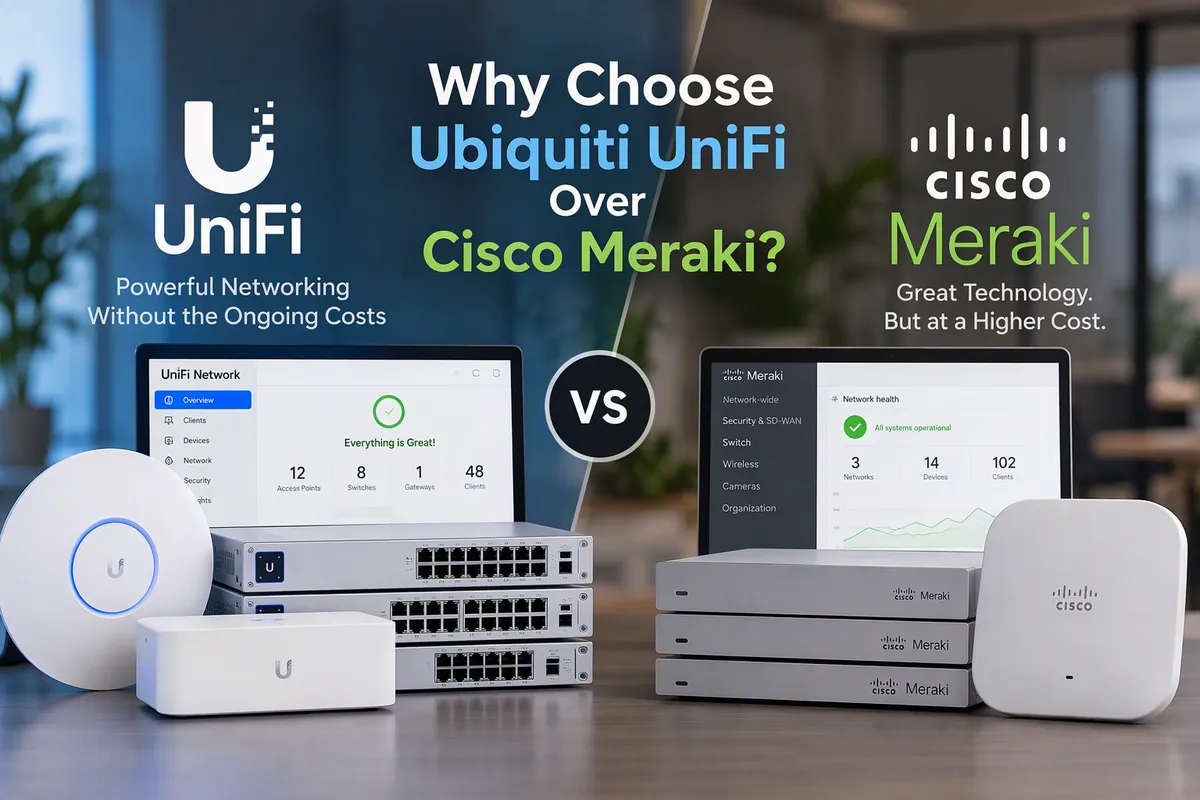
A Powerful, Cost-Effective Alternative for Modern Businesses
Businesses investing in networking infrastructure need a solution that is reliable, secure, scalable, and easy to manage. While Cisco Meraki has long been recognised as a leader in cloud-managed networking, many organisations are now choosing Ubiquiti UniFi as a more cost-effective alternative without sacrificing performance or functionality.
At DP Computing, we help businesses design, deploy, and support UniFi networks that deliver enterprise-grade networking without the ongoing licensing costs associated with many traditional solutions.
UniFi vs Meraki: What's the Difference?
Both UniFi and Meraki provide:
Cloud-based management
Centralised visibility
Wireless networking
Network switching
Multi-site management
Security appliances
VPN connectivity
However, the biggest differences typically come down to cost, licensing, flexibility and long-term ownership.
The Biggest Difference: Ongoing Costs
One of the most significant advantages of UniFi is its licensing model. With Ubiquiti Unifi, once you purchase the hardware, there are no mandatory annual cloud licensing fees for standard management and monitoring features.
With Cisco Meraki, most devices require an active subscription licence to continue operating and receiving management features. These recurring costs need to be factored into your budget for the life of the network.
Once you purchase the Ubiquiti Unifi hardware, there are no mandatory annual cloud licensing fees for standard management and monitoring features. The controller software, cloud access and centralised management are all included.
For many businesses, particularly those with multiple sites, this can represent substantial savings over the life of the network.
Enterprise Features Without Enterprise Pricing
Historically, enterprise networking often meant paying premium prices for advanced features. For business that need these advanced features, Meraki is definitely a better option, but most smaller businesses never need these features. But Ubiquiti Unifi does come with the following enterprise features:
Centralised cloud management
Advanced VLAN and network segmentation
Multi-site management
High-density wireless networking
Guest Wi-Fi portals
Site-to-site VPN connectivity
Integrated switching, wireless and security management
Detailed monitoring and reporting
For many businesses, UniFi delivers the functionality they need without the significant capital and ongoing expenditure often associated with traditional enterprise networking platforms.
A Single Platform for Everything
One of UniFi’s biggest strengths over Meraki is its ecosystem. Rather than managing separate systems from different vendors, UniFi brings networking, wireless, switching, security, cameras and physical security under one management platform.
This means your IT team can monitor and manage the following from a single dashboard and all at no extra cost:
Wireless access points
Network switches
Firewalls and security gateways
Cameras
VPN connections
Door access systems
Environmental sensors
For growing businesses, this can significantly simplify management and troubleshooting.
Easier Management
Many business owners are surprised by how intuitive the UniFi management interface is. While Meraki provides an excellent management experience, UniFi has matured significantly over the past few years and now offers a highly polished administration platform.
Some of the key advantages of the Unifi management interface:
Remote administration from anywhere
Simple firmware management
Network-wide visibility
Detailed wireless analytics
Centralised alerts and monitoring
Easy device provisioning
This can reduce the time spent managing infrastructure while improving visibility into network performance.
Greater Hardware Flexibility
Cisco Meraki generally targets organisations with larger IT budgets. While Ubiquiti UniFi offers a broader range of hardware options that can suit everything from a small office through to large multi-site deployments.
Whether you need
A single wireless access point or a enterprise-grade Wi-Fi coverage
A small office switch
A branch office firewall
Outdoor wireless links
Multi building and large campus deployments
There is usually a UniFi solution available without forcing businesses into oversized or overpriced hardware.
Ideal for Multi-Site Businesses
Businesses operating from multiple locations often need visibility and management across all their sites. Ubiquiti UniFi makes this straightforward by allowing administrators to:
Monitor all locations from a single dashboard
Manage updates centrally
Remotely troubleshoot
Deploy consistent network policies
Access detailed reporting
For franchises, healthcare providers, hospitality venues, professional services firms and multi-site organisations, this centralised approach can dramatically reduce administration overhead.
Strong Security Capabilities
Today's business networks need more than just reliable internet access, they need secure network access. UniFi includes security features such as:
Traffic inspection
VLAN segmentation
VPN connectivity
Firewall policy management
Threat detection and monitoring
Secure guest network isolation
While every environment has unique security requirements, UniFi provides a strong security foundation that can be tailored to suit a wide range of business environments.
Is Cisco Meraki Ever the Better Choice?
Absolutely. Meraki still is an excellent networking platform and may be preferable in some situations, particularly where businesses already have significant Cisco investment, specific compliance requirements or internal teams standardised on Cisco products. Meraki also has more advanced features, if your business needs these features then a Meraki network is the way to go.
However, for many small and medium-sized businesses, UniFi often delivers a more attractive balance of functionality, scalability and long-term value.
UniFi vs Meraki Comparison
| Feature | Ubiquiti UniFi | Cisco Meraki |
|---|---|---|
| Initial Hardware Cost | Generally lower | Generally higher |
| Ongoing Licensing | No mandatory annual licences for network management | Ongoing licence subscriptions required |
| Cloud Management | ✔ Included | ✔ Included (licence required) |
| Wireless Access Points | ✔ | ✔ |
| Network Switching | ✔ | ✔ |
| Security Gateways & Firewalls | ✔ | ✔ |
| Site-to-Site VPN | ✔ | ✔ |
| Multi-Site Management | ✔ | ✔ |
| Guest WiFi Portals | ✔ | ✔ |
| IDS/IPS | ✔ | ✔ |
| Advanced Threat Protection | Available with UniFi CyberSecure Enhanced | Available through Meraki licensing tiers |
| CCTV Integration | UniFi Protect | Typically requires third-party integration |
| Access Control | UniFi Access | Typically requires third-party integration |
| Unified Ecosystem | Networking, Security, Cameras & Access Control | Primarily Networking & Security |
| Scalability | Small to Enterprise Environments | Small to Enterprise Environments |
| Ease of Management | Simple, intuitive interface | Mature cloud-management platform |
| Best Suited For | Businesses seeking maximum value and flexibility | Organisations heavily invested in the Cisco ecosystem |
Comparison based on commonly deployed business networking solutions. Features and functionality may vary depending on hardware models, software versions, licensing tiers and deployment requirements.
The DP Computing Difference
Choosing the right hardware is only part of the equation. Correct design, configuration and optimisation are what ultimately determine whether a network performs reliably.
As an Ubiquiti Authorised Reseller and UniFi Enterprise Partner, DP Computing designs and deploys UniFi solutions for businesses across
Australia. From wireless surveys and network design through to installation, monitoring and ongoing support, we help businesses build wireless and network infrastructure that is secure, reliable and ready for future growth.
DP Computing’s capabilities have been officially recognised directly by Ubiquiti through an official case study show casing our successful UniFi deployment at Kings Creek Station in the Northern Territory – a testament to our ability to deliver high-performance wireless solutions in even the most remote and challenging environments.
Whether you are replacing an existing Cisco Meraki environment or planning a completely new deployment, our team can help.
Ready to learn more?
If you are considering a network upgrade and want to understand whether UniFi is the right fit for your organisation, explore our Ubiquiti Unifi service page or get in touch with one of Australia’s best Ubiquiti Unifi installers to discuss your requirements.
A well-designed network should support your business, not become a recurring expense that limits it. UniFi continues to prove that enterprise-grade networking can be powerful, scalable and cost-effective all at the same time.
Frequently Asked Questions
What is the main difference between UniFi and Meraki?
The biggest difference is the licensing model. Cisco Meraki requires ongoing subscription licensing for management and support, whereas UniFi provides cloud-based network management without mandatory annual licence fees.
Is UniFi suitable for business use?
Yes. UniFi is widely used by businesses, schools, hospitality venues, healthcare providers, warehouses, and multi-site organisations. It offers enterprise-grade networking features, centralised management, VPN connectivity, network security, and advanced wireless capabilities.
Does UniFi require annual licence fees?
No. Unlike Meraki, UniFi does not require mandatory annual licensing to continue managing your network. Optional premium services such as UniFi CyberSecure Enhanced are available for businesses requiring additional security features.
Can UniFi manage multiple business locations?
Yes. UniFi supports centralised management of multiple offices, branches, warehouses, hospitality venues, and remote sites through a single management interface.
Is UniFi more affordable than Meraki?
In many deployments, UniFi delivers a significantly lower total cost of ownership due to the absence of recurring licensing fees and the competitive cost of hardware. The exact savings will depend on the size and complexity of the deployment.
Does UniFi include security features?
Yes. UniFi includes firewall functionality, VPN services, network segmentation, IDS/IPS, traffic monitoring, and content filtering options. Additional protection is available through UniFi CyberSecure Enhanced, which incorporates Proofpoint-powered threat intelligence and Cloudflare-backed content filtering.
Can UniFi support guest WiFi networks?
Yes. UniFi includes guest WiFi capabilities such as captive portals, vouchers, authentication options, bandwidth controls, and network isolation to help protect business systems.
Does DP Computing provide UniFi installation and support?
Yes. DP Computing specialises in UniFi network design, installation, wireless deployments, VPN configuration, security reviews, multi-site networking, and ongoing support for businesses throughout Australia.
For more information on the best equipment for your network, please contact the Ubiquiti Unifi experts at DP Computing.
Adelaide | Sydney | Perth
Australia Wide Support
Australian Business Number (ABN): 20 084 283 860

Email Us

Call Us
08 8326 4364 | 02 7902 5169
© 2026 | All Rights Reserved.
Facebook
Instagram
X
LinkedIn
Youtube